Introducing JSONDoc
JSON is everywhere, from API responses to config files to database exports, and once it nests three or four levels deep, reading it linearly stops working. JSONDoc is a native app for iPhone, iPad, and Mac that turns any valid JSON into a diagram you can actually navigate, so you can find what you need without counting braces.
What it does
Open or paste any JSON and JSONDoc renders it as a node diagram immediately. The built-in editor sits alongside the diagram with syntax highlighting and formatting as you type, and both stay in sync as you edit. Useful when you're debugging an API response, comparing two configs, or exploring an unfamiliar payload.
- Paste JSON or open a
.jsonfile to visualize it instantly - Built-in editor with syntax highlighting and live formatting
- Works with any valid JSON: APIs, configs, schemas, anything
- 100% on-device: nothing is ever sent to a server
See it in action
Open any JSON file
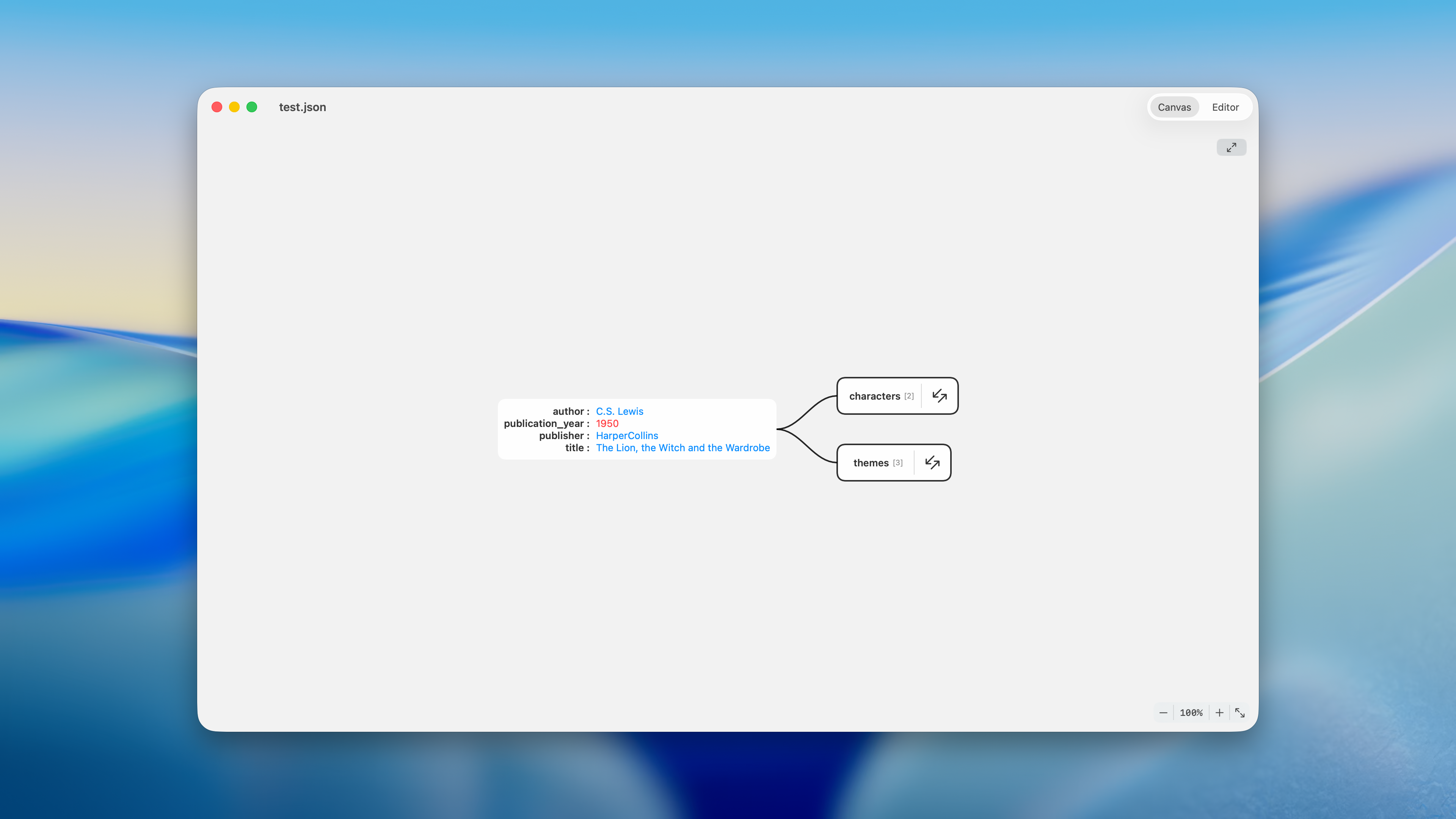
Open a JSON file and the canvas appears straight away, with nested objects and arrays collapsed into expandable nodes.
Explore the structure
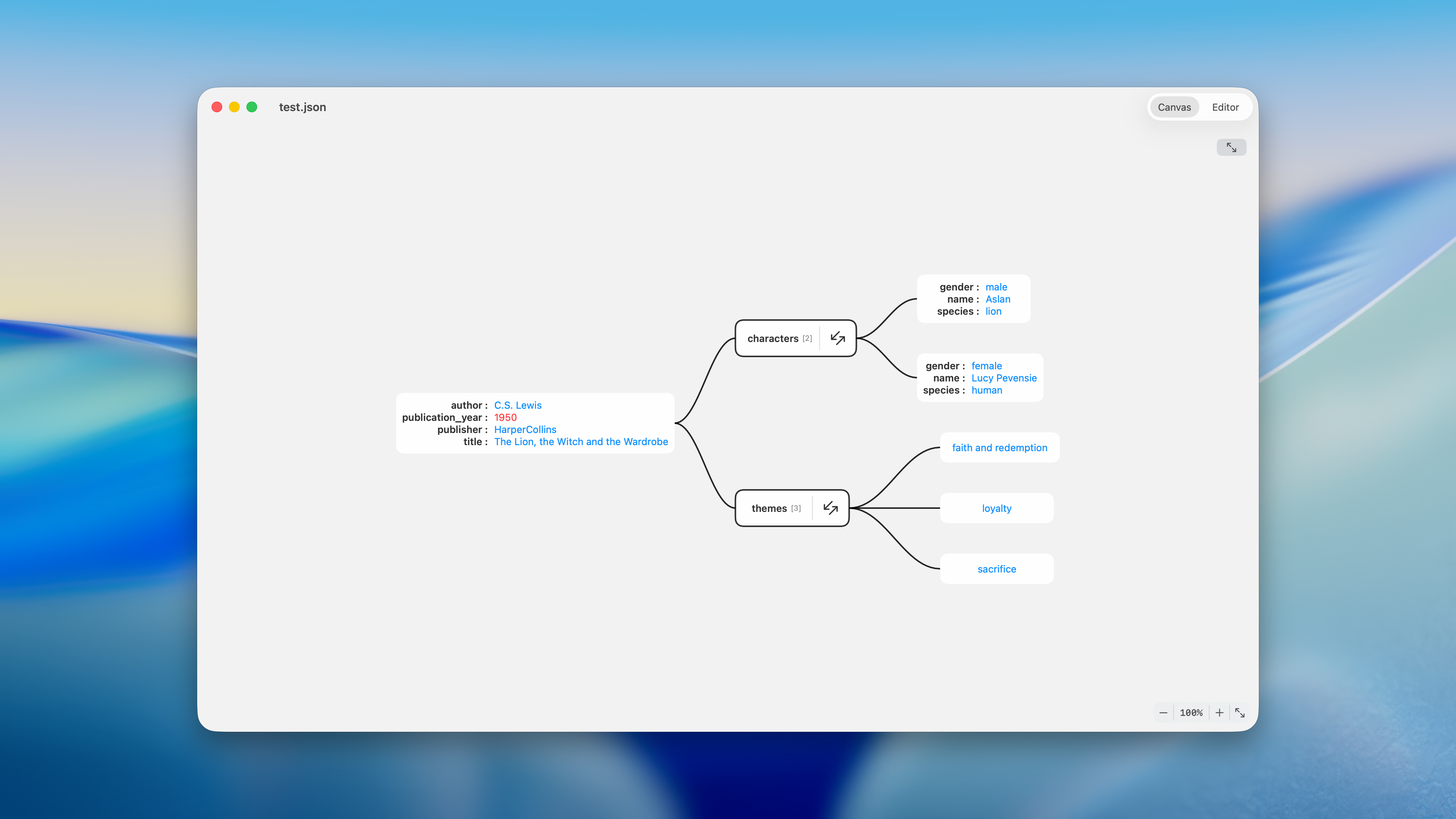
Tap any node to expand it. Relationships between nested values are drawn as connecting lines so the shape of the data is immediately obvious.
Edit alongside the diagram
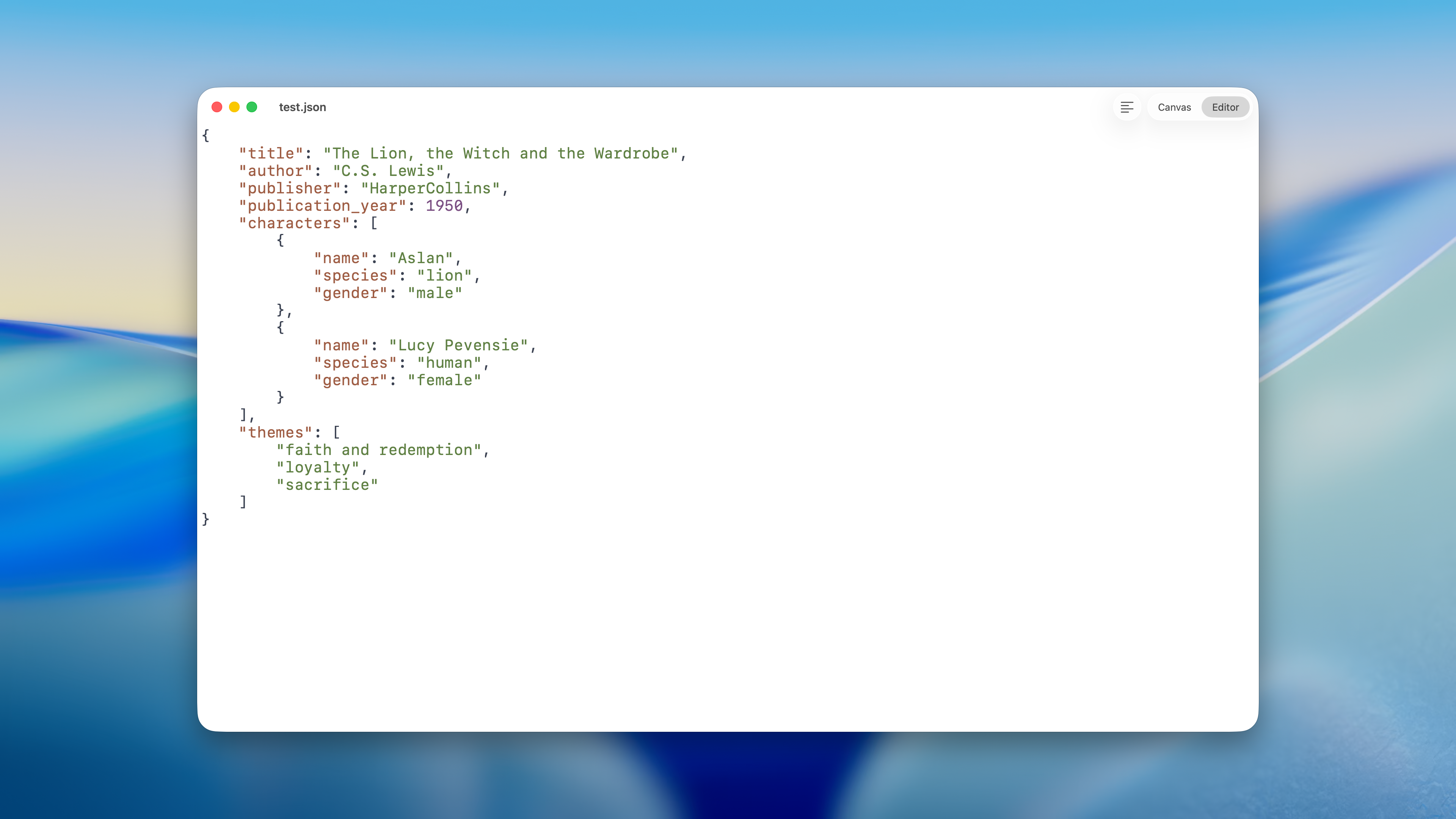
Switch to the editor at any time to view or edit the raw JSON. Syntax highlighting and live formatting keep it readable as you type, and the canvas updates the moment the JSON is valid.
Platform
JSONDoc is available on the App Store for iPhone, iPad, and Mac.
Acknowledgements
JSONDoc is built on the shoulders of several open source projects:
- Editor powered by ChimeHQ's SwiftTreeSitter, Neon, and TextFormation libraries
- JSON parsing via the tree-sitter-json grammar
- Welcome and about windows from CodeEditApp's open source libraries
- Analytics, crash reporting, and in-app purchases powered by Amplitude, Sentry, Firebase, and RevenueCat